

Monitors
-
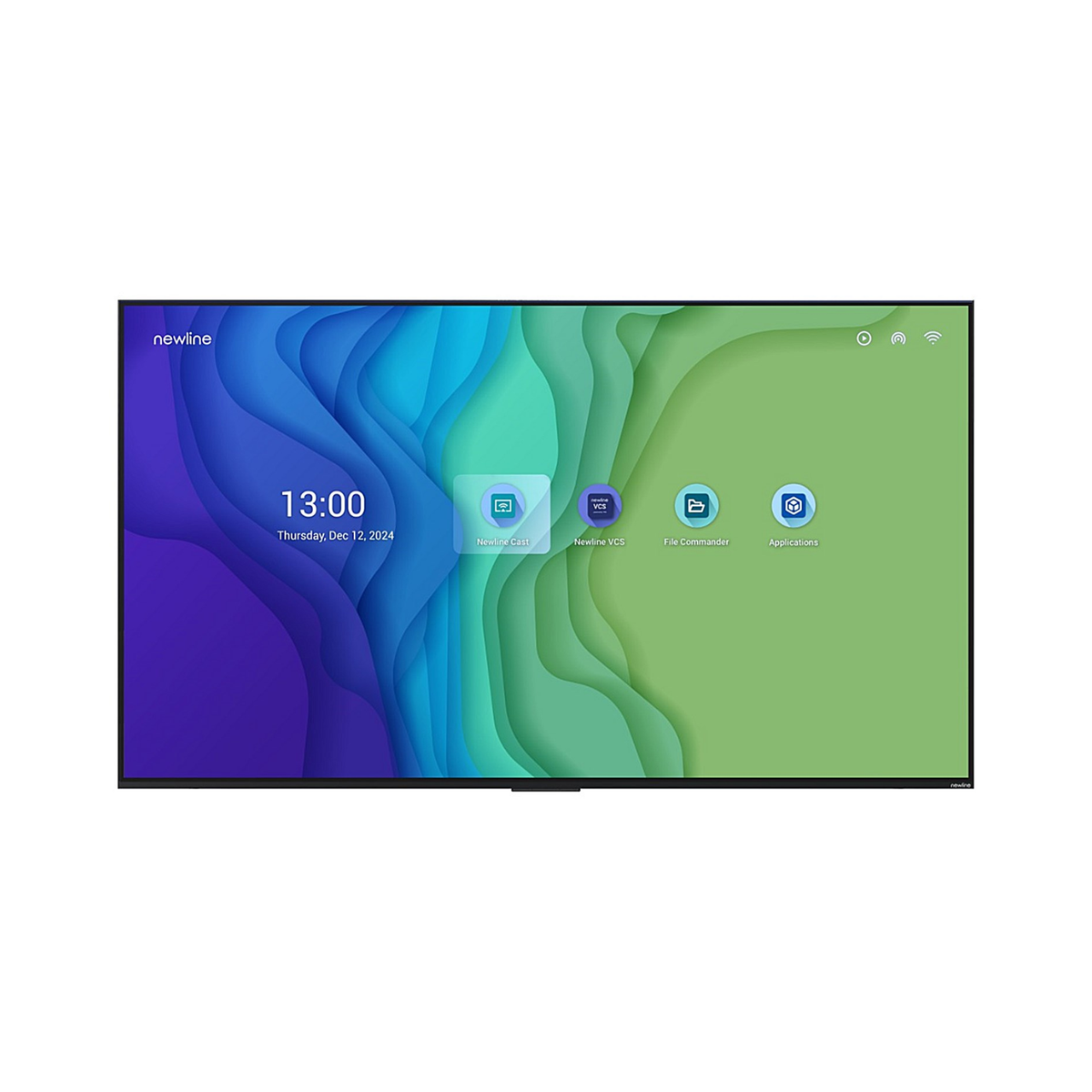
Newline STV+ Series STV-6524+ 65" 4K UHD Digital Signage Display
SKU: STV-6524+Loading priceSign in for priceIn Stock
1 of 1 products
Business monitors for offices, hot desks and creative teams
Office, USB-C, ultrawide and 4K monitors for IT managers equipping desks and hot desk areas. Trade prices show when you sign in to your BUY IT account.
Monitors by role
Match the screen to the work, then standardise across the floor.
| Role | Size | Spec | Why | Range |
|---|---|---|---|---|
| Office desks | 24 inch | Height adjustable, Full HD | Meets DSE adjustability at a standard price point | View range |
| Hot desks | Any | USB-C | One cable to the laptop for video, and power where the port supports it | View range |
| Design & photo | 27 inch | 4K, IPS | Sharp, colour-consistent panel for creative work | View range |
| Finance & analysts | 34 inch | Ultrawide | Replaces two screens with no bezel in the middle | View range |
Match USB-C power delivery to the laptop's charger. A 65W port will under-power a laptop that ships with a 90W or 100W charger under load.
Before you order
- Check the laptops' USB-C ports carry DisplayPort Alt Mode or Thunderbolt. Some are data-only.
- Two screens from one cable needs DisplayPort MST or Thunderbolt support on the laptop.
- VESA 100 mounting for arms and wall brackets.
- Under the DSE Regulations the screen must tilt and swivel, with adjustable brightness and contrast.
Frequently asked questions
How much USB-C power delivery do we need?
At least the wattage of the laptop's own charger. 65W covers most business ultrabooks; performance laptops often need 90W or more.
Can one cable run two monitors?
Yes, if the laptop supports DisplayPort MST or Thunderbolt and the first monitor has a DisplayPort out. macOS does not support MST, so Mac users need Thunderbolt or a dock.
What do the DSE Regulations require of a screen?
A stable, readable image free of glare, brightness and contrast the user can adjust, and a screen that tilts and swivels. A height-adjustable stand or arm makes the rest of the workstation easier to set up.
How do trade prices work?
Trade prices are shown to signed-in BUY IT account holders. Create a trade account to see them, and your account manager handles repeat orders.
Equipping a whole team?
A dedicated account manager for every trade account.