

Laptop Docking Stations
-
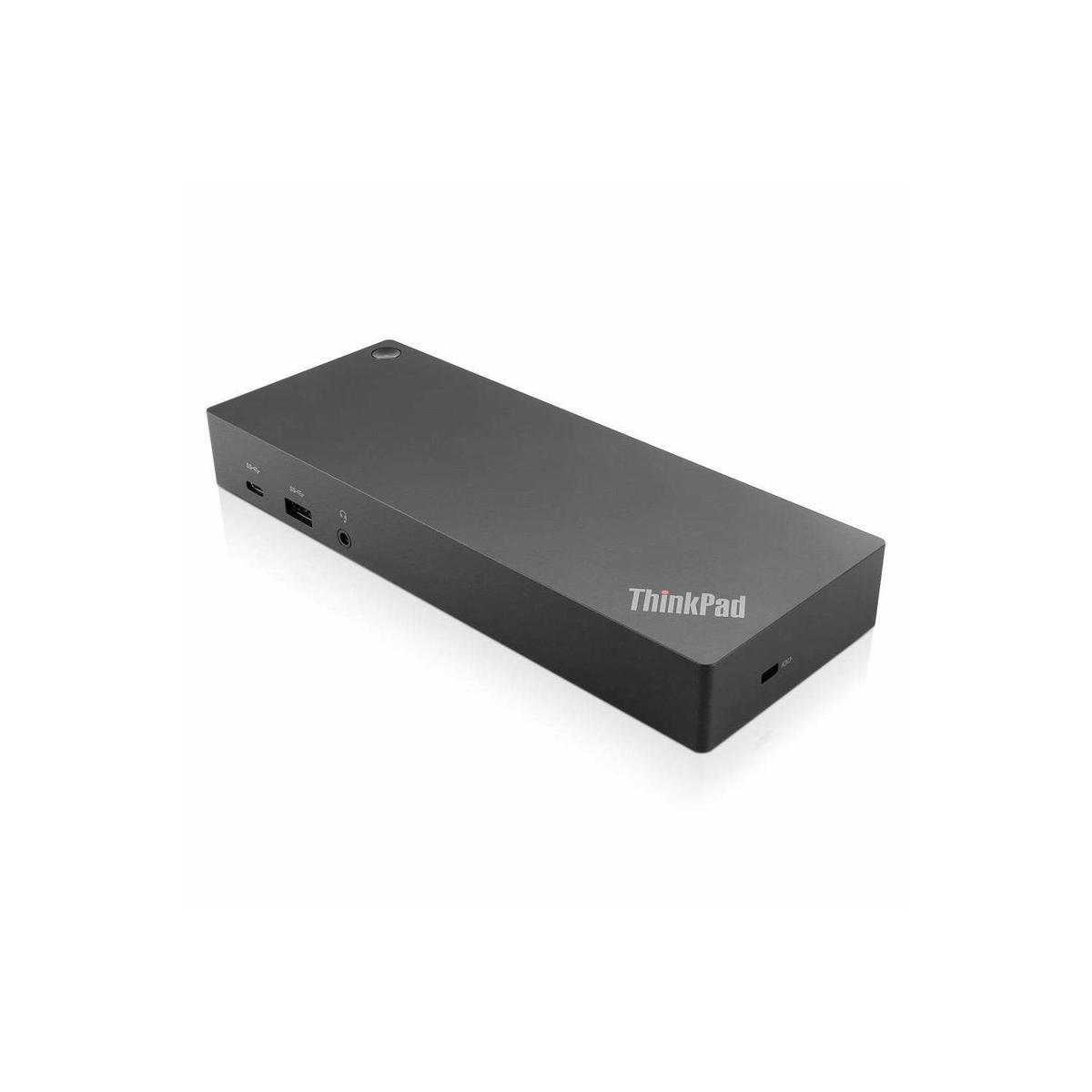

Lenovo ThinkPad Hybrid USB-C with USB-A Docking Station
- Max Monitors: 2
- 3 year warranty
- HDMI Ports: 2
Available RefurbishedLoading priceSign in for priceIn Stock
-
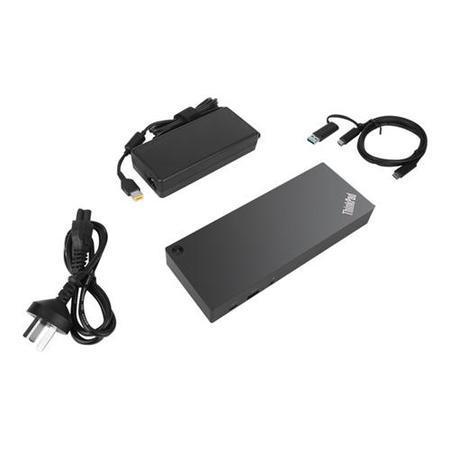
Box Opened Lenovo ThinkPad Hybrid USB-C with USB-A Dock
- Max Monitors: 2
- 3 Month Warranty
- HDMI Ports: 2
Available NewLoading priceSign in for priceIn Stock
-
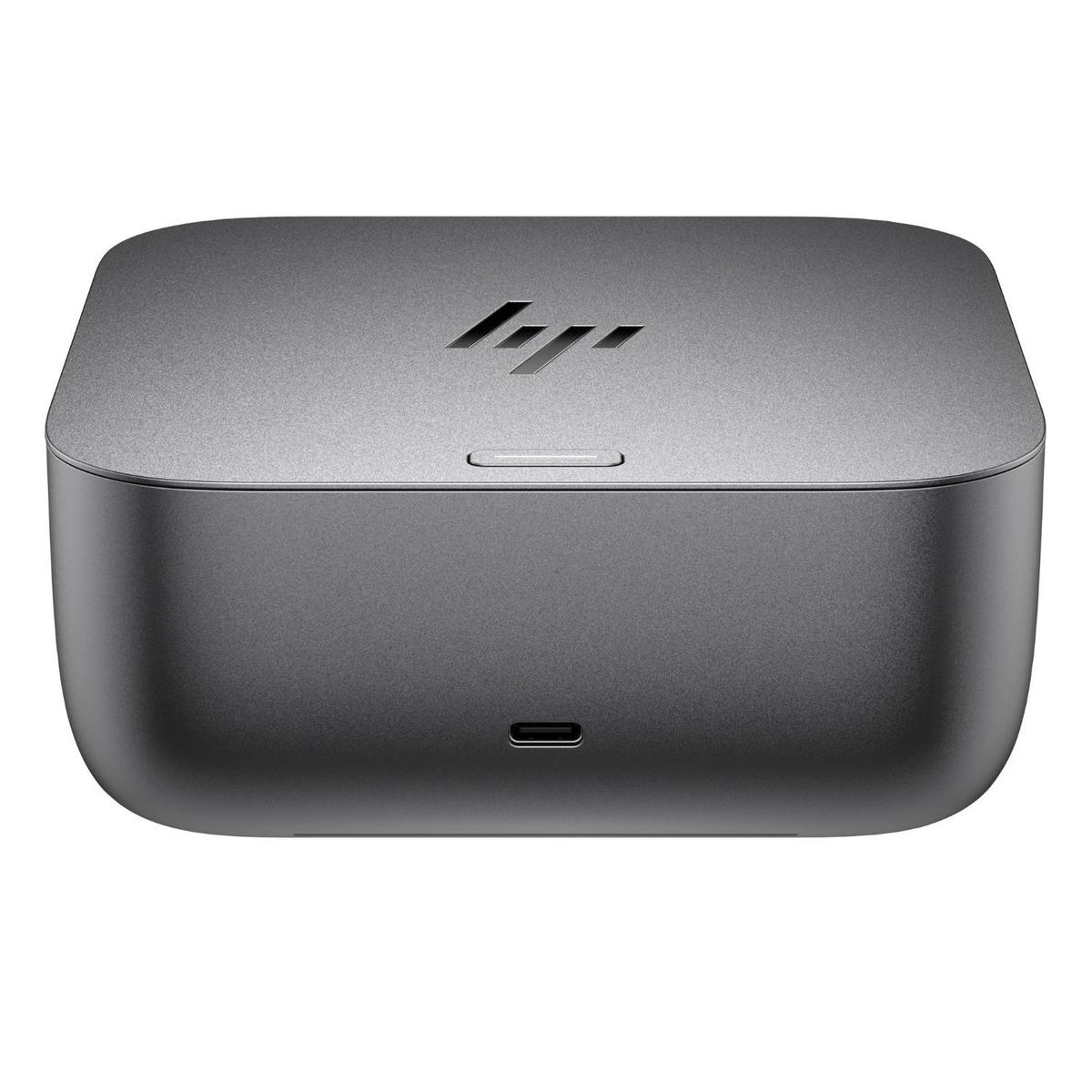

HP Thunderbolt 4 100W G6 Docking station
SKU: 9X472UT- Max Monitors: 2
- HDMI Ports: 1
- USB 3.0 Ports: 5
Loading priceSign in for priceIn Stock
-
HP Thunderbolt 4 Ultra 280W G6 Docking Station
SKU: AW5M5UT- Max Monitors: 2
- HDMI Ports: 1
- USB 3.0 Ports: 5
Loading priceSign in for priceIn Stock
-
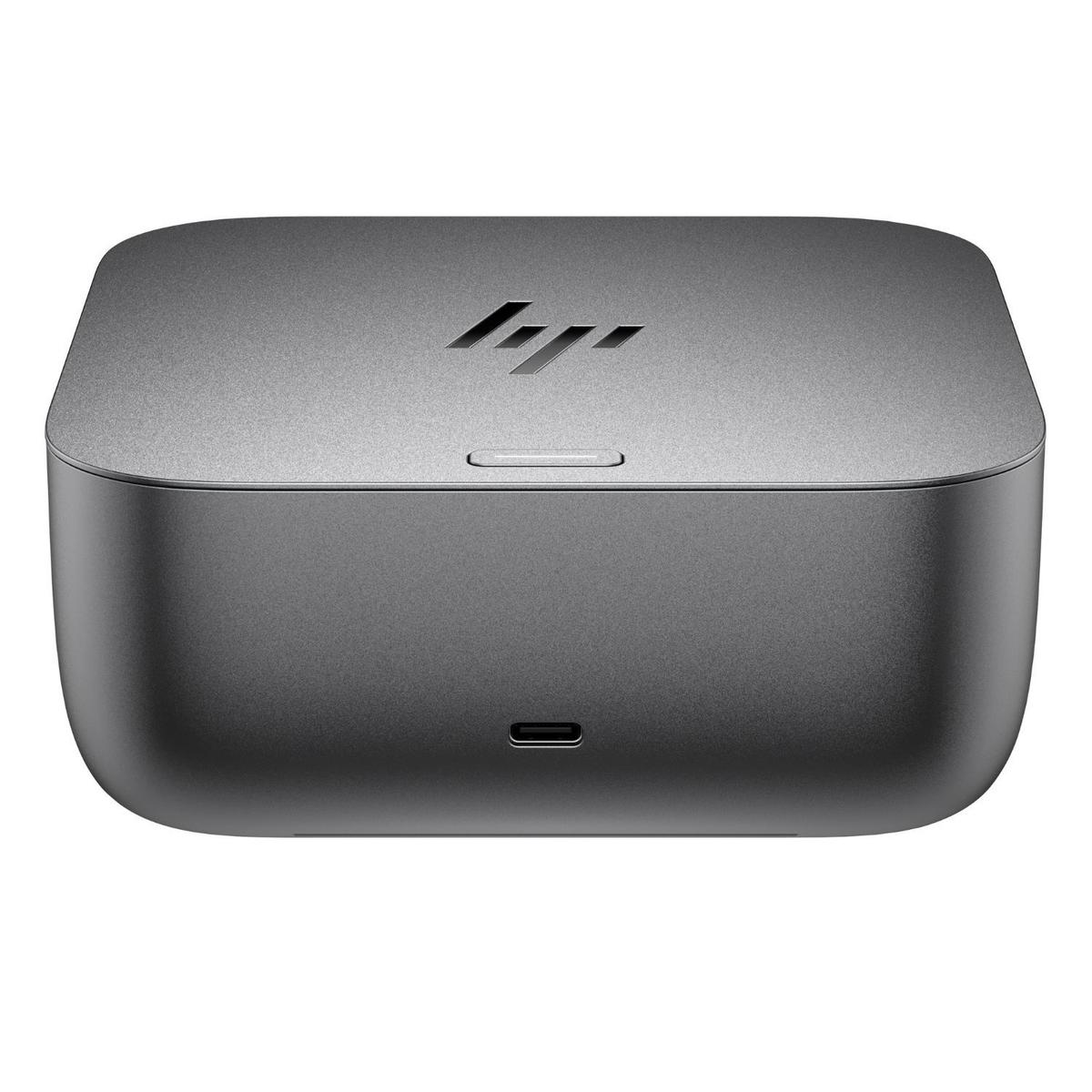
HP TB4 Ultra 180W G6 Docking Station
SKU: 9X481UT- Max Monitors: 2
- HDMI Ports: 1
- USB 3.0 Ports: 5
Loading priceSign in for priceIn Stock
-
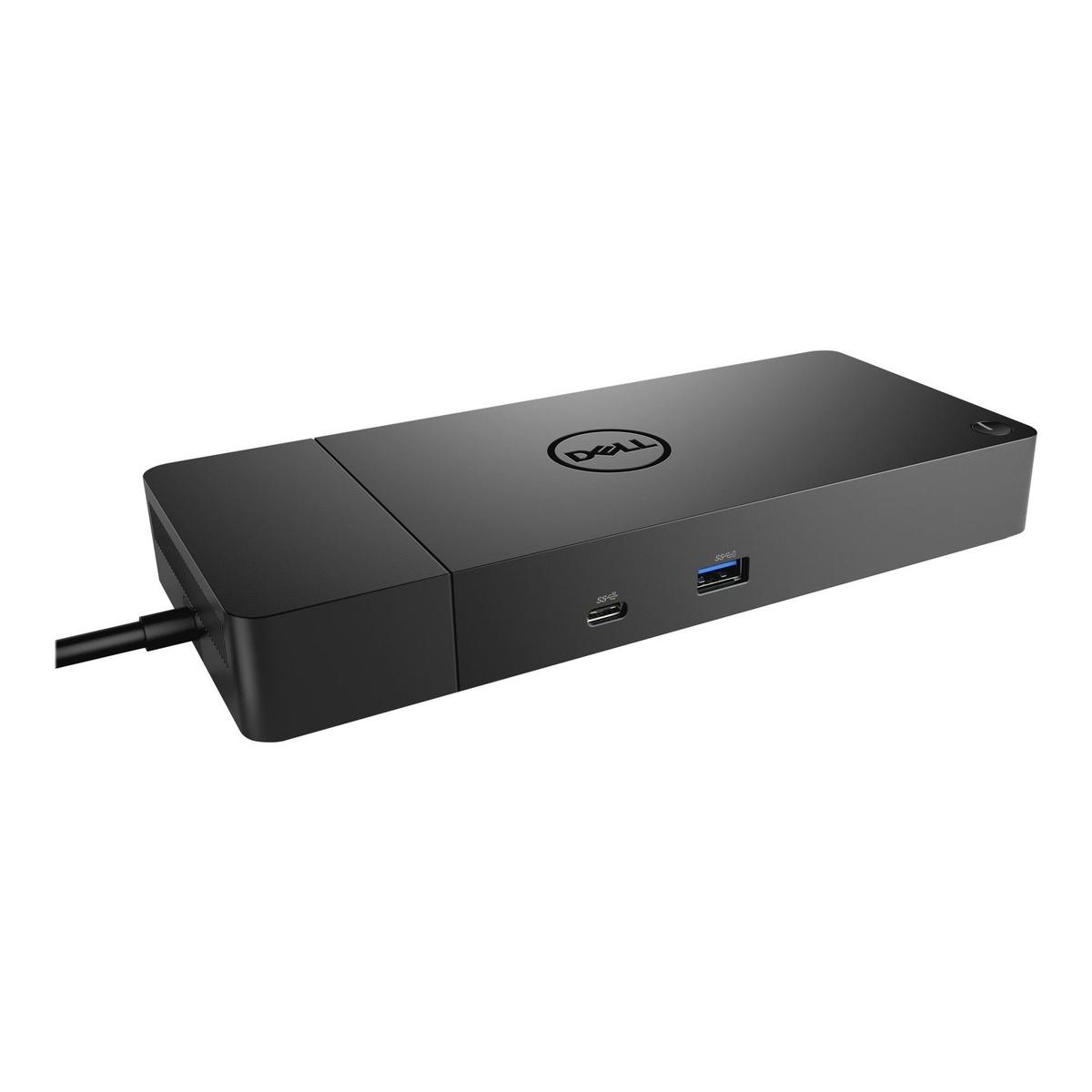

Dell USB-C to HDMI 180W Docking Station
SKU: DELL-WD19S180WLoading priceSign in for priceIn Stock


6 of 6 products
Before you order
A dock only works as well as the laptop port it plugs into.
| Check | What to confirm |
|---|---|
| Laptop port | USB-C with video (DisplayPort Alt Mode) or Thunderbolt |
| Charging | The dock's power delivery covers the laptop, often 65–100W |
| Monitors | How many screens, at what resolution, and which ports |
| Fleet | Manufacturer docks give the best firmware support for one brand |
Frequently asked questions
Will one dock work with all our laptops?
Universal USB-C docks work with most modern laptops, but features like dual monitors vary by laptop. For a single-brand fleet, the manufacturer's dock is the safest choice.
Can we buy on account?
Yes. A trade account gives access to trade pricing, bulk discounts and credit of up to £20,000, with a named account manager for repeat orders.
Equipping a whole team?
A dedicated account manager for every trade account.