
What would you like to do?
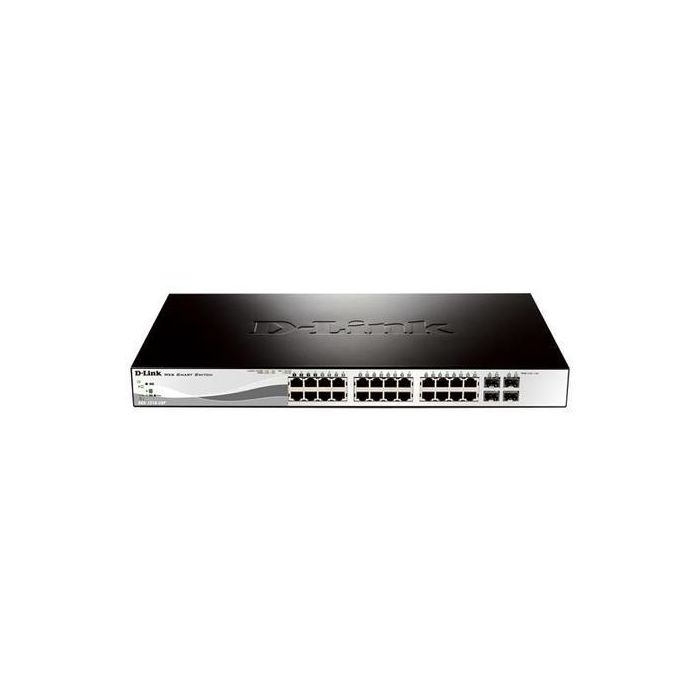
D-Link 28-Port Gigabit PoE Smart Managed Switch including 4 Combo Ports
SKU: DGS-1210-28P
Quickfind code : 680305
Product highlights
- Model No.: DGS-1210-28P
- Switch type: Managed
- POE Support: Yes
- Form Factor: Rack-mountable
Product Description
Performance without compromise
The DGS-1210-10/10P/20/28 features a fanless design that allows for quieter operation and helps to extend the device's lifetime. While the DGS-1210-28P/52/52P feature a smart fan design that powers on after the switch reaches a certain temperature, saving energy and cutting costs without sacrificing performance.
Fibre Uplinks
The Fibre Uplinks integrate advanced management as well as security functions that provide performance and scalability making it suitable for business use.
PoE
The DGS-1210 Series includes a range of high power budget PoE-enabled switches for businesses looking to power VoIP phones, wireless access points or network cameras.
Energy Saving
Incorporating D-Link Green technology, the DGS-1210 Series switches are capable of power-saving without sacrificing operational performance or functionality. Taking the approach to green IT one step further this series incorporates a special chipset with advanced silicon technology for efficient use of energy.
Specification
General
|
Form Factor
|
Rack-mountable |
|---|---|
|
Brand
|
D-Link |
|
Manageable
|
Yes |
|
Port Quantity
|
28 |
|
PoE
Power Over Ethernet
|
Y |
|
Data transfer rate
|
1Gbit/s |
Details
|
Product Codes
|
0790069373053, 115561, 2490379, 5844242, DGS-1210-28P, DGS121028P, DL-DGS-1210-28P, DLIDGS-1210-28P |
|---|
Reviews
Recently Viewed Products

Price checked
In Stock - Delivery from tomorrow 2 hrs, 46 mins, 40 secs
Collect from Huddersfield on 3rd June or Collect from Castle Donington on 9th June
FREE Delivery to most of the UK
Our price:
Lowest monitored competitor price:
Price checked:
We check our prices daily against competitors including AO, Currys, Argos, Very, John Lewis & Marks Electrical to give you the best price in the market
Terms & conditions apply